How to Set Up IPTV on Amazon Firestick in 2027 (Step-by-Step Guide)
The complete 2027 guide to installing England IPTV on your Amazon Firestick in under 5 minutes - with pricing, troubleshooting and FAQs.

Looking for the easiest way to install England IPTV on your Amazon Firestick in 2027? You're in the right place. This complete, beginner-friendly guide walks you through every single step - from downloading the app to watching your first channel in stunning 4K. Whether you're brand new to IPTV UK services or switching from an old provider, you'll be up and running in under five minutes.
The Amazon Firestick is by far the most popular device for British IPTV, and for good reason: it's cheap, plugs into any TV's HDMI port, and runs our recommended IPTV players perfectly. Let's get started.

What is England IPTV?
England IPTV is a premium UK IPTV subscription that streams over 20,000 live channels and more than 195,000 movies and series directly to your device over the internet. Instead of an expensive satellite dish or cable box, you simply install a small app on your Firestick and log in. You get the full UK TV lineup - BBC, ITV, Channel 4, Sky Sports and TNT Sports - plus live sport, PPV events and a huge on-demand library, all in 4K, FHD and HD.
Because everything streams online, an IPTV subscription costs a fraction of traditional TV and works anywhere with a stable internet connection. If you've been searching for the best way to buy IPTV that actually works in 2027, England IPTV is built exactly for that.
What you'll need before you start
- An Amazon Firestick or Fire TV (any model - Lite, 4K or 4K Max)
- A stable internet connection of around 15 Mbps or more for smooth 4K
- Your England IPTV login details (sent to you by email and WhatsApp after you order)
- About 5 minutes
Tip: Don't have a subscription yet? You can buy an England IPTV plan here - activation takes just a few minutes and we'll send your login straight to your phone.
Step 1: Install the Downloader app
From your Firestick home screen, use the search icon and type "Downloader". Select the orange Downloader app and install it. This free, official app lets you download our recommended IPTV player safely.
Enable app installs (first time only)
If this is the first time you're installing an app this way, you'll need to allow it once:
- Go to Settings → My Fire TV → About
- Highlight your Firestick name and press OK 7 times - you'll see "You are now a developer"
- Go back once and open Developer Options
- Turn on Install Unknown Apps and enable it for Downloader
Step 2: Download the IPTV player
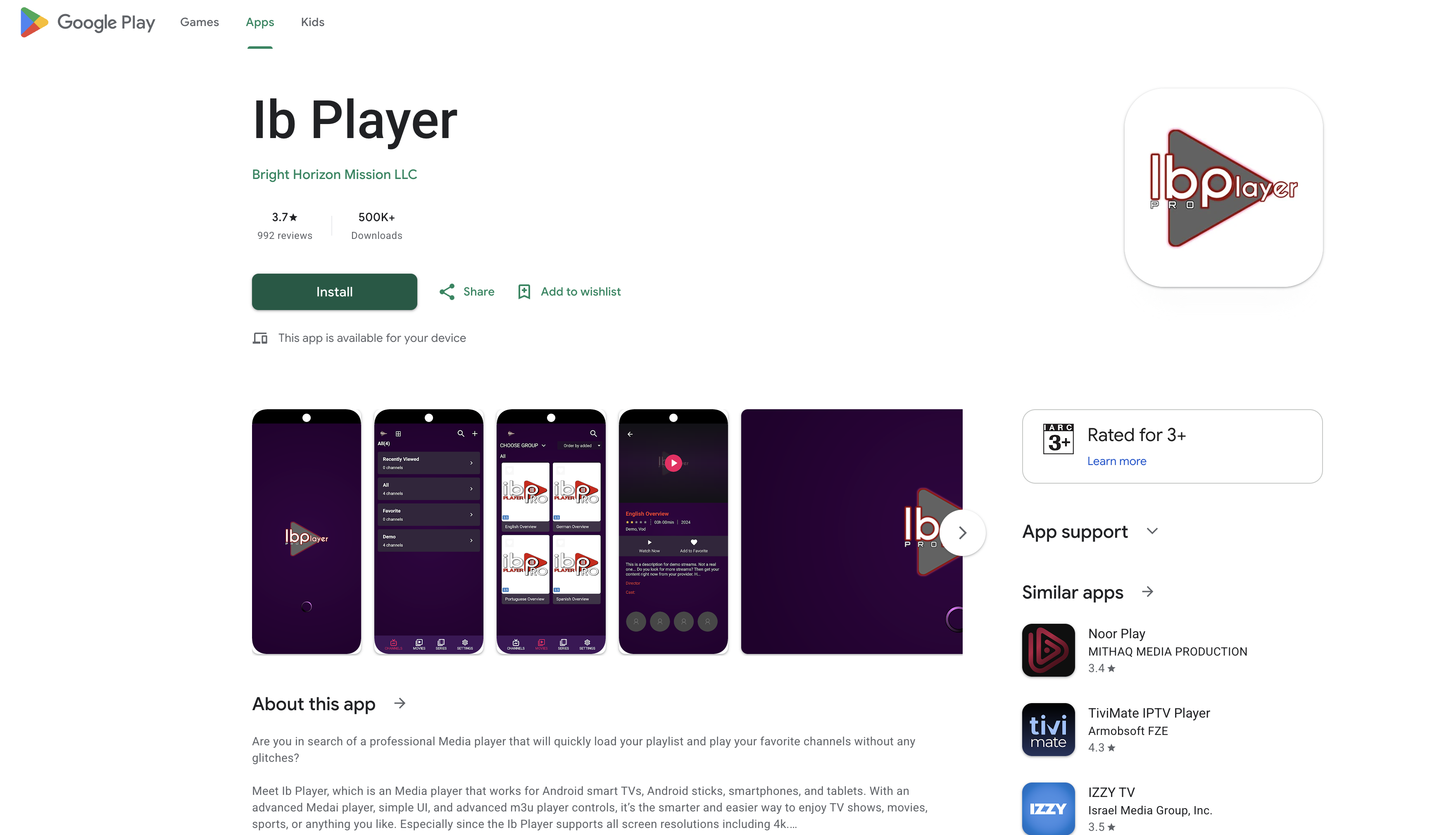
Open the Downloader app, type in the download code we provide, and press Go. The recommended player installs in seconds. Our favourite IPTV for Firestick app is IBO Player Pro - it's fast, stable and supports full 4K playback.
Step 3: Log in and start watching
Open the player and enter the Xtream Codes login (username, password and host URL) that we email you. The app instantly loads all your channels, movies and series. That's it - you're now watching England IPTV in 4K on your Firestick!
- 20,000+ live channels including the full UK lineup
- Every Premier League and EFL game in 4K
- 195,000+ movies and box sets on demand
- Full EPG TV guide and anti-freeze technology
Already have a media player? You can use it
Our IPTV subscription UK works with all the most popular apps - so if you already use one, just send us your details and we'll activate it. Compatible players include IBO Player, IBO Player Pro, IPTV Smarters, Smart IPTV, XCIPTV, TiviMate and many more. Prefer a full walkthrough for another device? See our installation guide.
England IPTV pricing 2027
One simple payment, no contract and no auto-renewal. Here's our most popular IPTV subscription pricing (1 connection):
| Plan | Price | Best for |
|---|---|---|
| 3 Months | £29.99 | Trying us out |
| 6 Months | £39.99 | Most popular |
| 12 Months | £59.99 | Best value (Free IBO Player) |
Want to watch on two devices at once? Choose a 2-connection plan at checkout. View all England IPTV plans and pricing here →
Troubleshooting: buffering or a channel not working?
Our anti-freeze servers keep buffering to a minimum, but if you ever have an issue:
- Check your internet speed is at least 15 Mbps
- Restart the Firestick and reopen the app
- Message our 24/7 support team on WhatsApp - we usually reply within minutes
Frequently asked questions
Is England IPTV legal to use?
You are responsible for the content you access in your region. England IPTV provides the streaming service; please check your local rules.
How quickly will I get my login?
Fast - your login and payment details arrive by email and WhatsApp within 5 minutes to 1 hour of ordering.
Does it work on other devices?
Yes. England IPTV works on Smart TVs, Android, iPhone, iPad, MAG boxes, Windows and more. See the full installation guide.
Ready to watch in 4K?
Installing England IPTV on your Firestick really is this easy. Join thousands of viewers across the UK, Ireland and Europe who've made the switch to the best-value IPTV UK subscription for 2027. Choose your plan and start watching today →
Ready to start watching?
Get your England IPTV subscription with 20,000+ channels in 4K - set up in minutes.
View Pricing & Plans